Print is where a functional bag becomes a brand. It is also where timelines slip. Most delays are not press problems — they are artwork files that were never built for the substrate, or a colour that was approved on a screen instead of on the bag.
The substrate decides the print
Valve bags are printed on paper, PE film or laminated PP. Each surface behaves differently:
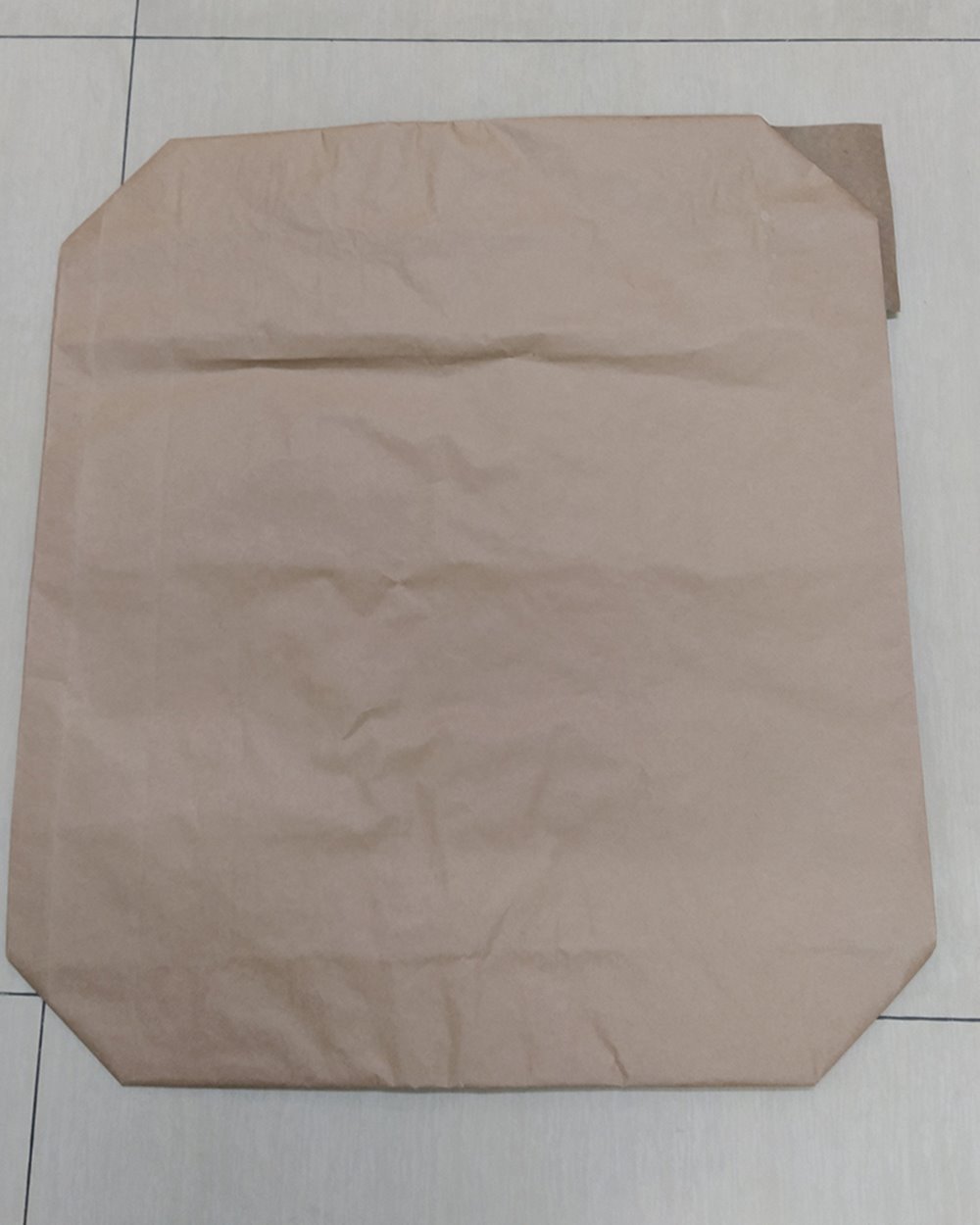
- Kraft paper absorbs ink and has a natural brown tone. Colours shift warmer and darker than on white paper. Fine detail is possible, but very light tints can disappear into the kraft.
- White paper gives a cleaner colour base and brighter results. It is often used for retail flour, sugar and premium building products.
- PE film accepts flexo print well and can be surface or reverse printed. White ink is often used as a base to keep colours opaque.
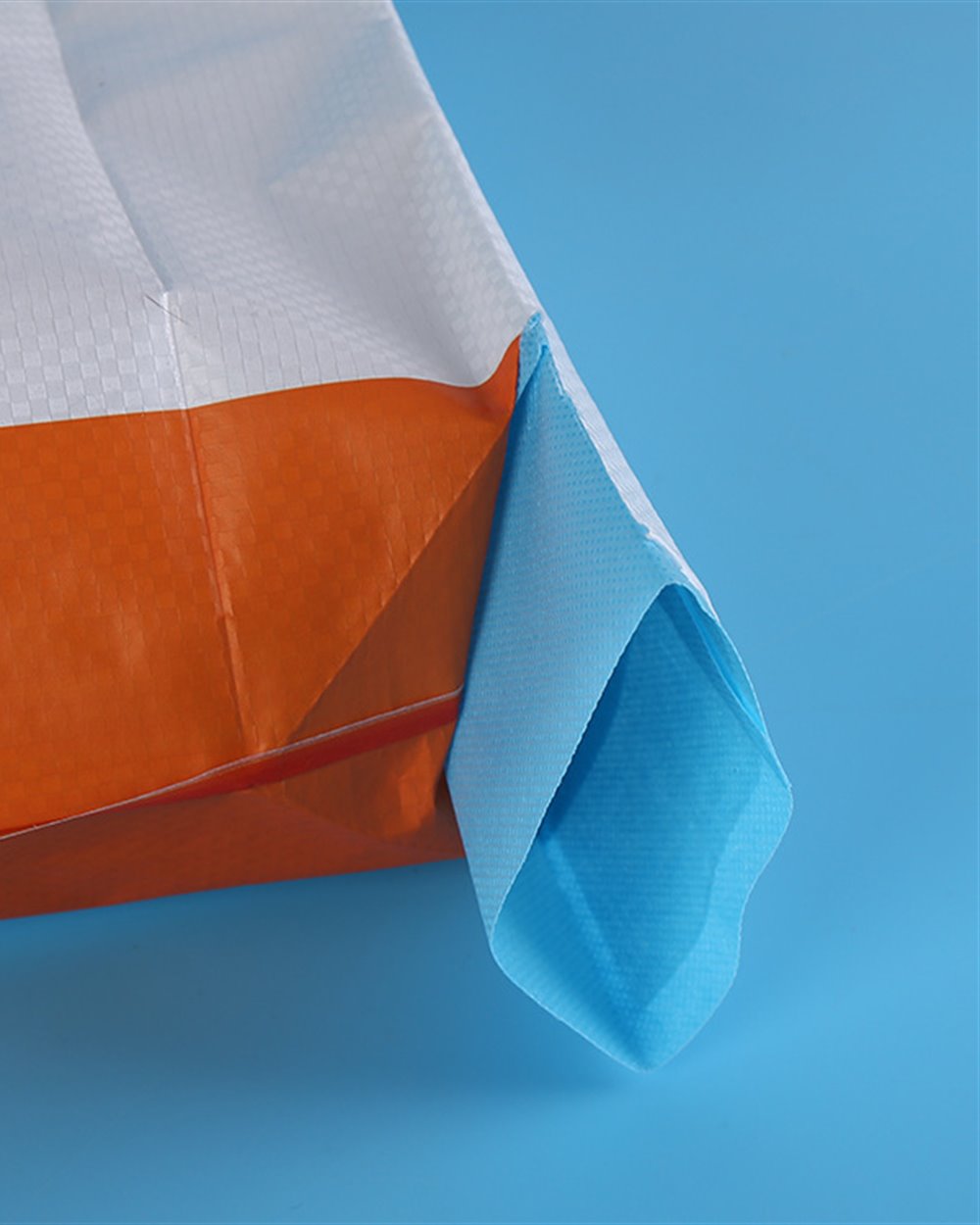
- Laminated PP with a BOPP layer gives the sharpest photographic print in the range. Uncoated woven PP is not a smooth print surface and is usually limited to simple graphics.
Flexo vs BOPP lamination
| Option | Best for | Colour | Watch-outs |
|---|---|---|---|
| Flexo on paper | Kraft and white paper bags, cement, mortar, flour | Typically up to 4 colours | Kraft shifts colour; avoid tiny reversed text |
| Flexo on PE | PE valve bags, industrial and food powders | Up to 6 colours | White underlay affects opacity; film stretch can distort registration |
| BOPP lamination | PP woven bags, premium fertilizer and retail-facing products | Up to 6 colours, photo-quality | Higher cost; lamination bond must be checked |
Artwork setup that avoids delays
Send vector artwork wherever possible. A print-ready file usually includes:
- A dimensioned dieline showing the print area, seam, valve and gusset. Do not design to the full bag width if the seam will cover part of it.
- Outlined fonts or the original font files, with a minimum text size agreed for the substrate.
- CMYK colour with Pantone references if a brand colour must match. RGB files will be converted, and the result may not match the screen.
- A white underlay layer for light colours on kraft or clear film.
- Barcode and QR modules at a size and contrast that will scan after printing, not just on screen.
- A safe area for the valve, seam and bottom fold. Important copy should not sit on a crease.
For paper bags, remember that the kraft tone is part of the design. A white background is not automatic; it has to be printed.
Colour on kraft is not colour on white
A brand colour approved on a white screen will look different on brown kraft. The substrate absorbs light and shifts the hue. Two practical rules:
- Proof on the actual stock. A digital proof on white paper is useful for layout, not for colour approval on kraft.
- Design for the substrate. Use solid areas and strong contrast. Avoid large areas of pale pastel or fine gradients that may band on paper.
If colour accuracy is critical, ask for a printed sample on the production substrate and approve it under the lighting used in your market. Screen approval is not colour approval.
The proofing sequence
- Artwork check. We review resolution, fonts, dieline, safe area, barcode size and colour separation.
- Digital proof. Layout, copy and colour intent are confirmed before plates are made.
- Plate or print proof. A proof on the actual substrate shows how ink behaves on paper, film or BOPP.
- Production approval. The approved proof and sample become the reference for the run.
Skipping the substrate proof is the most common way to save a day and lose a week.
Six common delays
- Artwork built without a dieline. The print runs into the seam or valve.
- RGB files and screen-approved colour. The printed result is duller or shifts hue.
- Fine text and thin lines. They fill in or break up on paper and woven surfaces.
- Low-contrast barcodes. The code scans on screen but not on the bag.
- Missing white underlay. Light colours disappear into kraft or clear film.
- Late copy changes. A text change after plates are cut adds cost and time.
Print inspection checklist
- Colour against the approved substrate proof
- Registration and print position within the agreed tolerance
- Smallest text and line weights legible
- Barcode and QR scan with a handheld reader
- No print on the seam, valve or bottom fold
- Ink adhesion and rub resistance
- Batch code and allergen areas clear
- Print matches the approved sample
Bottom line
Good valve-bag print is a design decision and a substrate decision at the same time. Build artwork for the bag, proof it on the actual material, and approve colour under real light. The press will then reproduce what you approved — not a screen approximation.
The screen is for layout. The bag is for colour.